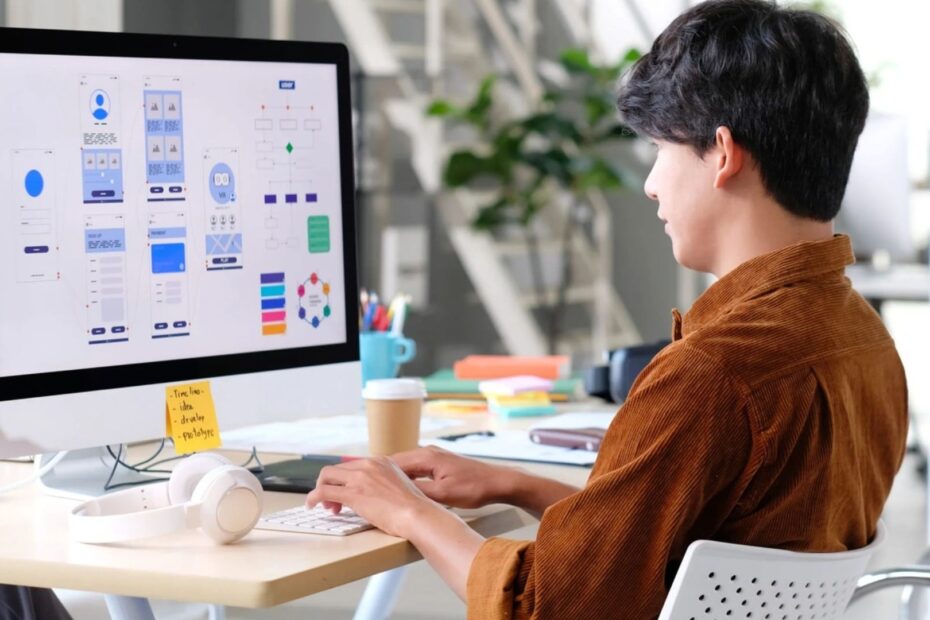
AI-powered tools like Figma, Vercel, and Canva are revolutionizing the way we approach design. These tools challenge our traditional views about designers, timelines, and the value of design work. Automated A/B tests gradually take over user research tasks, while data drives more of our decisions.
AI has evolved beyond being a mere interface feature. It now serves as the interface itself. Machine learning excels at creating hyper-personalization in live environments. Each user gets a unique experience with remarkable accuracy. These changes go further than personalization. AI handles detailed work with pixel-perfect precision, from spacing to component distances.
One aspect I love about current UX design trends is their unpredictable nature. Designers have noticed that “the most prominent theme of the year was that there was no stable theme”. This constant change affects everything from research methods to interface structure. It touches economic frameworks and distribution systems. This piece explores these changes that alter our profession’s map and shows ways to keep up with trends.
Personalized UX: How Machine Learning Adapts to Users
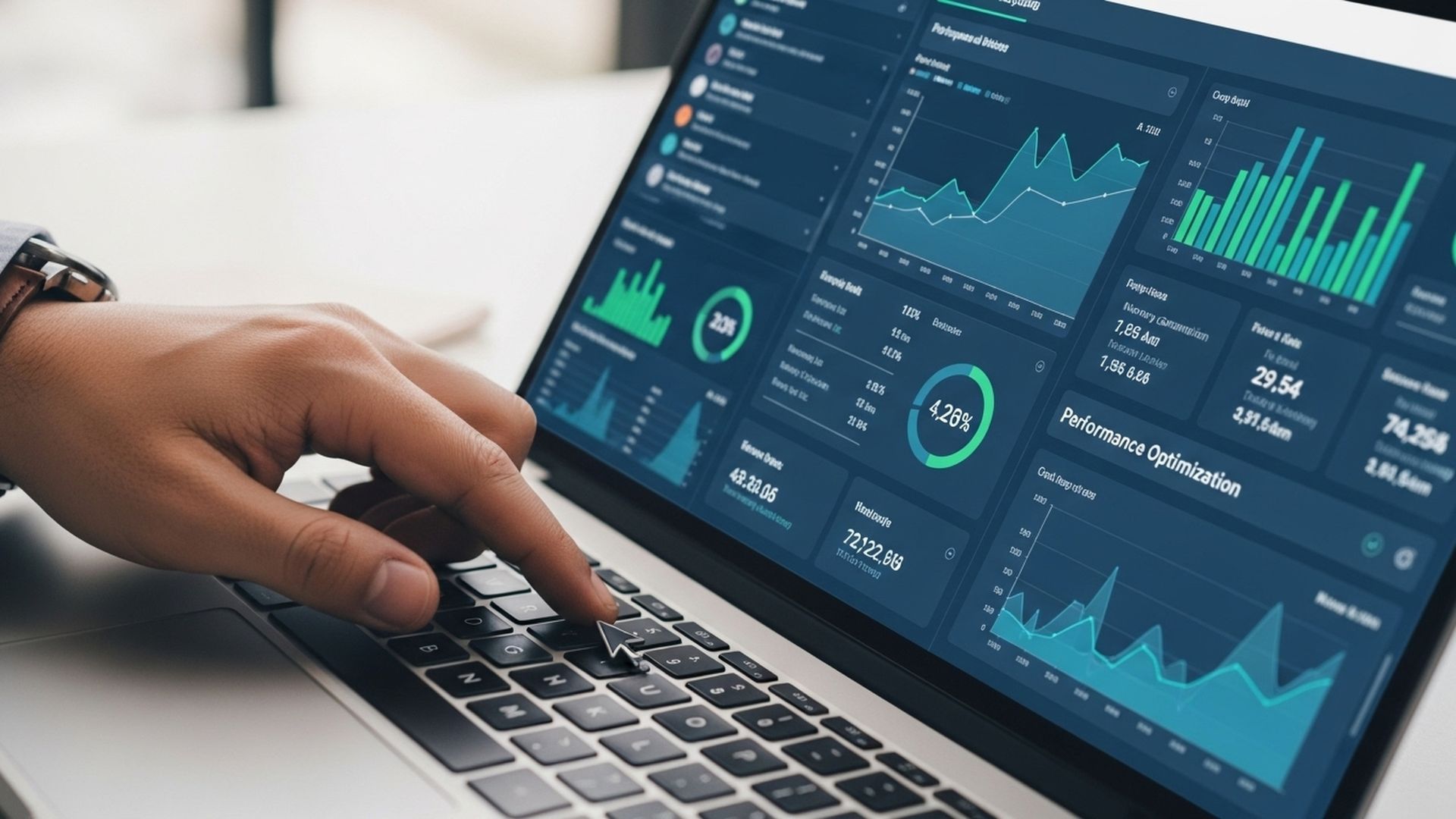
Machine learning has reshaped the way interfaces adapt to users. The experience now feels tailored to each person instead of mass-produced. Current user experience trends show that personalization has gone way beyond just recognizing someone’s name.
Behavioral data and real-time adaptation
Machine learning excels at analyzing large amounts of user data to spot patterns that human designers might miss. These systems track clicks, scroll depth, drop-off points, and navigation paths. They help understand what users actually do rather than what they say. Companies can segment their customers through clustering algorithms. Markov chains analyze website behavior live to make navigation predictions for personalization.
Behavioral analytics shows where users lose interest or get confused. Traditional surveys don’t capture these insights well. The dynamic UI can adapt live based on user actions. This creates interfaces that learn and evolve with each interaction.
Examples from Spotify, Netflix, and e-commerce
Netflix shows how ML-driven personalization works through its recommendation engine and thumbnail selection. The streaming giant tested thumbnail images based on viewing history. Drama lovers saw romantic scenes while thriller fans saw action shots. This tailored artwork alone boosted click-through rates by approximately 20%.
Spotify utilizes AI and machine learning in its personalization features. The popular annual Wrapped campaign gives users tailored year-in-review recaps of their listening habits. Their DJ feature uses generative AI to add context to listening and creates deeper connections between listeners and creators.
E-commerce companies analyze browsing history, purchase patterns, and live behavior to deliver tailored product recommendations and search results. These systems can spot when customers get stuck during their shopping trip and help reduce friction.
Benefits of hyper-personalized interfaces
Hyper-personalization makes a big difference—71% of consumers now expect companies to deliver tailored experiences. Companies that focus on personalization grow 40% faster than others. About 78% of customers are more likely to recommend a company after getting personalized experiences.
Hyper-personalization improves user involvement by showing relevant content at the right moment. It drives higher conversion rates through targeted promotions that address individual needs. It also encourages long-term customer loyalty by creating uninterrupted, satisfying interactions that make users want to return.
Predictive Design: Anticipating User Needs
Predictive design marks the next step in user experience development. It goes beyond reactive interfaces to predict user needs before they express them. This approach is becoming one of the most important UI/UX design trends today.
What is predictive UX?
Predictive UX takes an anticipatory approach. Designers use predictive models to meet users’ needs before they ask for them. Traditional design waits for user input, but predictive UX takes the lead. It uses artificial intelligence and machine learning to create user-friendly experiences. The system predicts what comes next—suggesting the best step or adapting to user behaviors on its own.
Quality data about user needs, expectations, and behaviors forms the backbone of predictive design. The system analyzes user experiences, browsing histories, bounce rates, and click-through rates. These insights help develop machine learning models that learn from every interaction. The systems also look at factors like location, time of day, and trending content to give users exactly what they need at the right time.
How ML models forecast user actions
ML models exploit different types of data to predict user behavior with precision:
- User interactions (clicks, taps, typing patterns)
- Historical data (previous transactions and engagement)
- Contextual information (circumstances of interaction)
- Demographic and psychographic data (age, interests, lifestyle)
ML models aim to improve forecast accuracy and save human time. Predictive models can create forecasts 40-50% more accurate than manual methods when they have enough historical data.
These models rely on classifiers to determine priorities, decision trees to map potential paths, and clustering algorithms to group users with similar behavior patterns. So the systems keep learning and adjusting, becoming more precise as user trends change.
Reducing friction through smart suggestions
Predictive design’s biggest advantage lies in reducing cognitive load by cutting out unnecessary decisions. Smart interfaces streamline interactions by anticipating next steps instead of overwhelming users with choices.
Smart systems now spot when customers get stuck during their experience and adapt. To name just one example, Google Calendar reminds users about appointments and suggests the best travel routes based on traffic conditions. Online stores suggest complementary products, like showing a charger when someone buys a phone.
Timely and contextual suggestions help predictive design transform the user experience from reactive to proactive. Technology feels less like a tool and more like a natural extension of human intention.
AI-Powered Design Tools: Changing the Designer’s Workflow
AI tools are sparking a quiet revolution in the design industry by reshaping how we imagine and create our work. Design started as a hands-on craft, and these emerging technologies now blur the lines between human creativity and machine assistance.
Automated wireframing and prototyping
AI-powered tools can now turn simple text prompts or rough sketches into complete wireframes. This cuts down the time from concept to visualization drastically. These systems learn from thousands of successful designs to suggest layouts that align with time-tested best practices and accessibility standards.
Figma AI, Uizard, and Adobe Firefly
Major platforms now pack AI features that optimize design workflows. Figma’s AI helps designers create and edit components quickly. Uizard turns sketches into working prototypes in seconds. Adobe Firefly creates images, textures, and color palettes from text descriptions, which saves hours of manual asset creation.
What tasks AI can handle vs. what humans should own
AI shines at repetitive work like resizing assets, creating variations, and keeping designs consistent. All the same, humans drive strategic thinking, emotional intelligence, and ethical decisions—areas where machines can’t match human subtlety.
How AI speeds up iteration cycles
AI makes feedback loops shorter by creating multiple design variations at once. This quick pace lets designers explore more options and test ideas faster. They can deliver better solutions in less time.
Zero-UI and Voice Interfaces: The Future of Interaction
Zero-UI represents a fundamental change in how we interact with technology that goes beyond screens and traditional interfaces. This approach stands out as one of the most exciting UI/UX design trends that has altered the map of our digital world.
What is Zero-UI?
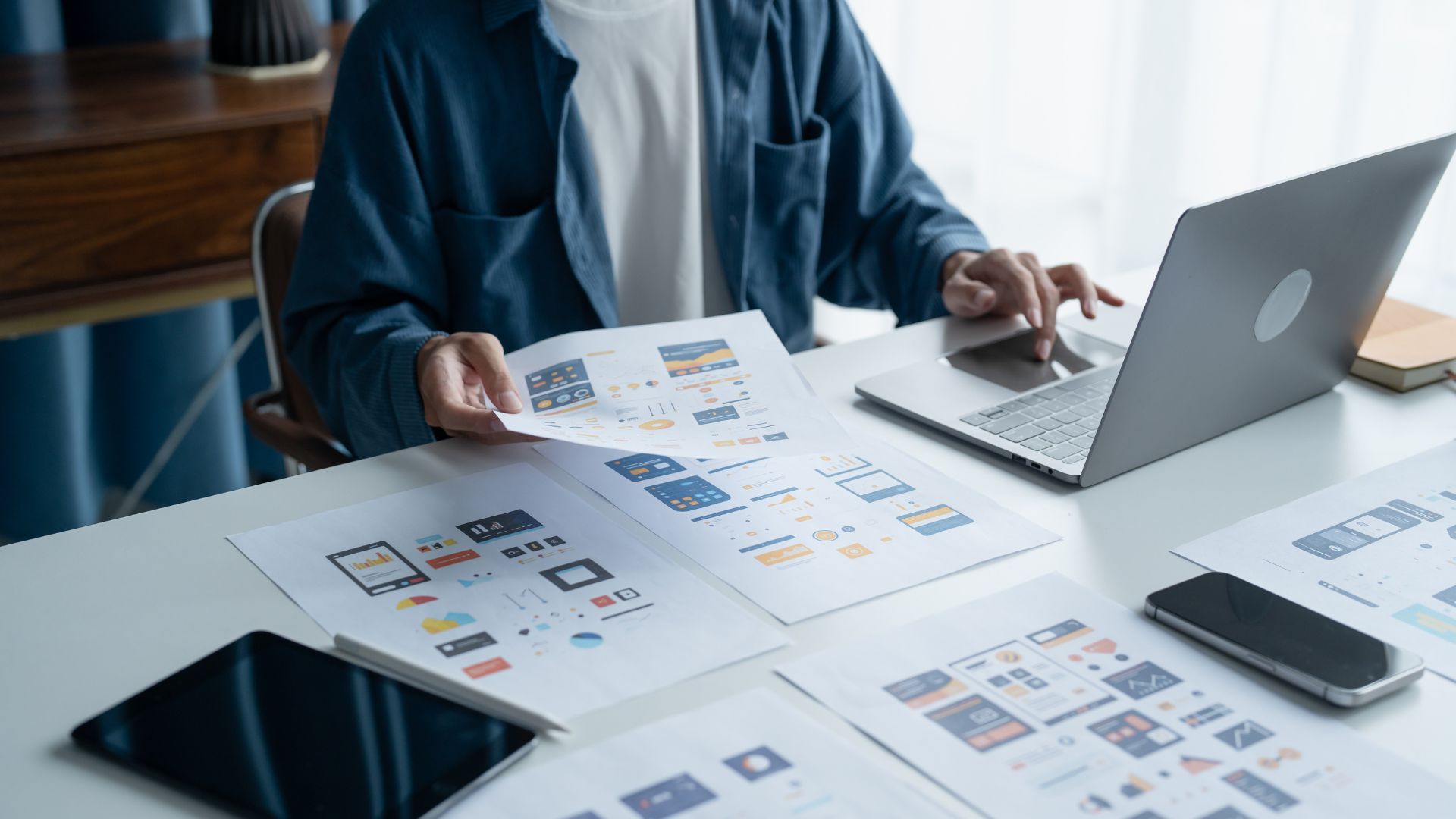
Zero-UI represents interfaces designed to blend in or become completely invisible to users. The main concept removes visual elements and replaces them with natural interactions. This lets technology work quietly in the background while meeting user needs. Zero-UI wants to lower cognitive load compared to screen-based interfaces. The technology works intelligently behind the scenes without getting in the way.
Voice, gesture, and visual search interfaces
Amazon Echo and Google Home show how we’re moving toward screenless interactions. These systems use sophisticated AI to understand natural language and execute commands without visual interfaces. Users can control devices through movements – from simple hand waves to complex body motions with gesture recognition. Systems now understand human behavior without explicit visual cues, which reflects broader artificial intelligence trends.
Designing for invisible interactions
Zero-UI design requires a complete rethinking of interaction models. Designers must make context awareness their top priority to understand user circumstances and predict their needs. The system’s feedback becomes vital since there are no screens. Communication happens through other channels like haptics or audio cues. The interactions should feel natural and match familiar human behaviors instead of learned technical patterns.
Challenges in accessibility and control
Zero-UI systems face major hurdles despite their potential. Voice recognition systems don’t deal very well with different speech patterns, accents, and environments. People with motor limitations may not be able to use gesture interfaces. These systems need constant environmental monitoring, which raises privacy concerns. Users can’t interact with features they don’t know exist, which creates a serious discoverability problem.
Conclusion
AI has changed how we approach UI/UX design. Users now experience interfaces that adapt to their needs and feel personal rather than mass-produced. Predictive design takes us beyond reactive systems to ones that know what users need before they ask.
AI-powered design tools have brought a fundamental transformation to professional workflows. Tools like Figma and Adobe Firefly now handle tasks that once took hours of manual work. This lets designers put their energy into strategic and creative work that machines can’t copy.
The future might not need screens at all, thanks to zero-UI and voice interfaces. This move brings major challenges for accessibility and findability that need careful thought.
Today’s design trends are as unpredictable as technology’s rapid growth. Designers face new chances and unknowns in equal measure. The designer’s role will move from crafting perfect pixels to guiding AI systems toward results that put people first.
Tomorrow’s top designers will strike a balance between technical know-how and human understanding. AI can create endless options, but humans still choose which solutions truly help people. Success won’t come to those who resist change, but to those who adapt their skills to work with these powerful new tools.